Usage
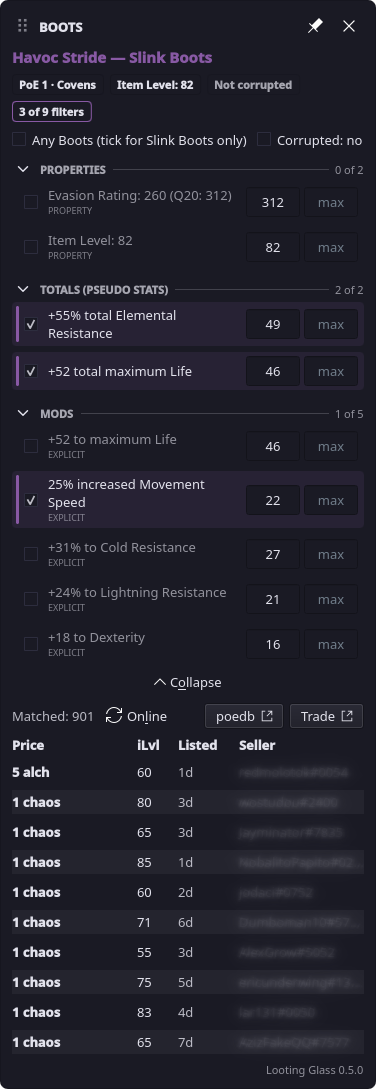
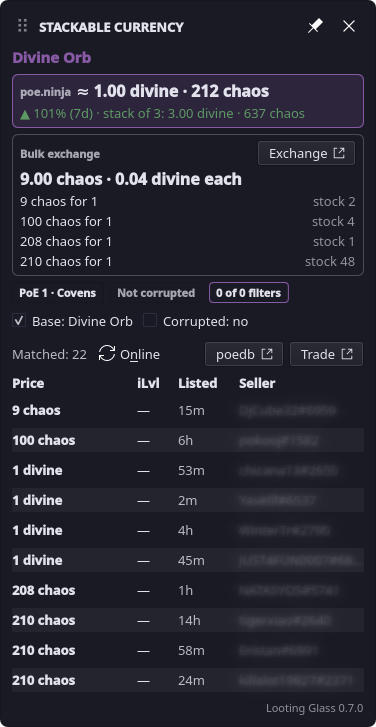
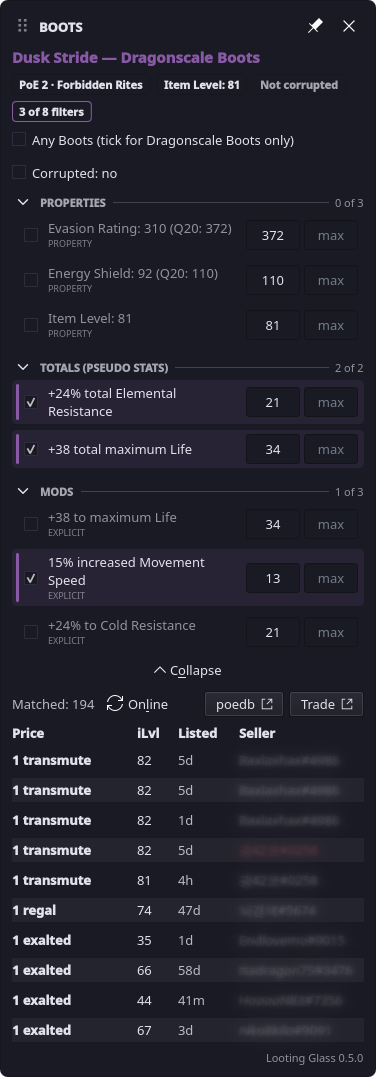
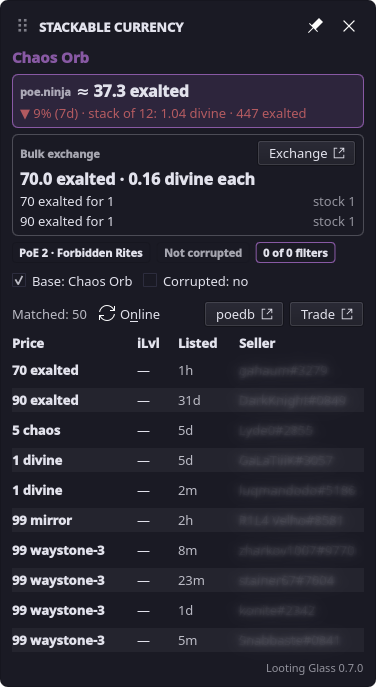
- In the game, hover an item and press Ctrl+D.
- The first time, KDE asks you to confirm the shortcuts and to let Looting Glass control the keyboard,
so it can press Ctrl+C in the game. Both are remembered.
- Adjust the filters if you like. The search updates automatically.
- Press Esc or Space, or click back into the game, to close the overlay. To keep it open
while you play, click the pin next to ✕: it then stays until you press ✕ or Esc.
Manual price check
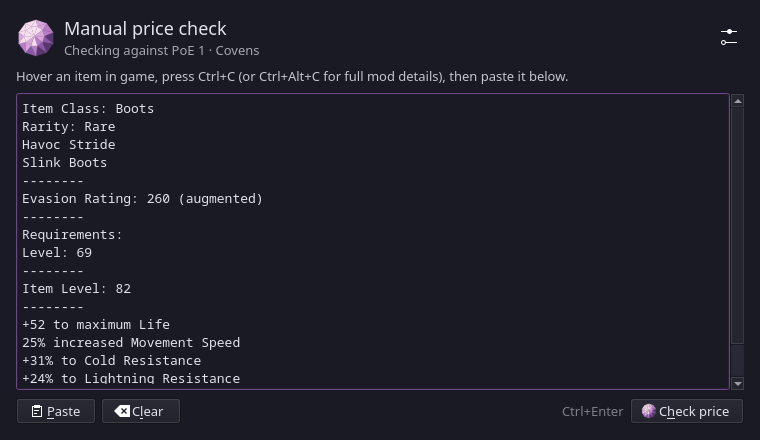
Click the tray icon (or Manual check… in its menu), paste the item text and press Check price
or Ctrl+Enter. The results open in the overlay as usual.
Map check PoE 1
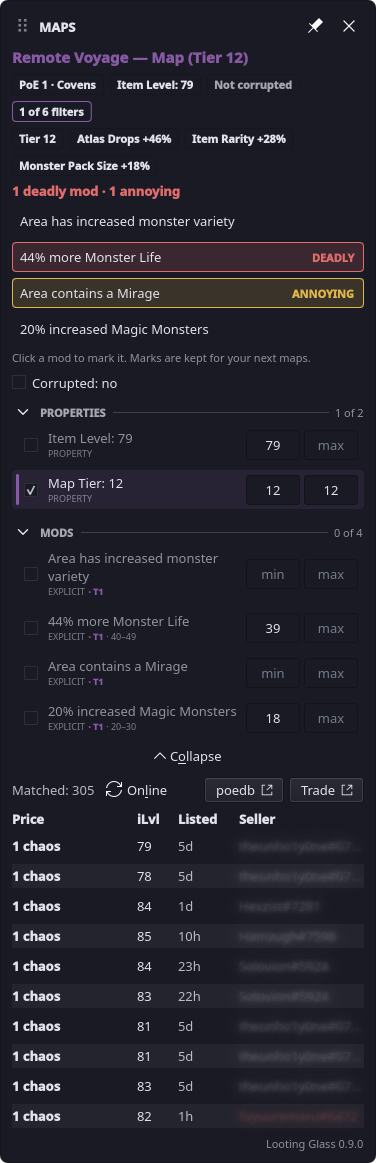
Assign the Map check shortcut, hover a map and press it. The overlay lists the map's mods: click one to mark it
annoying, again for deadly, and once more to clear it. Marks cover every roll of a mod, so the next map with a mod you can't
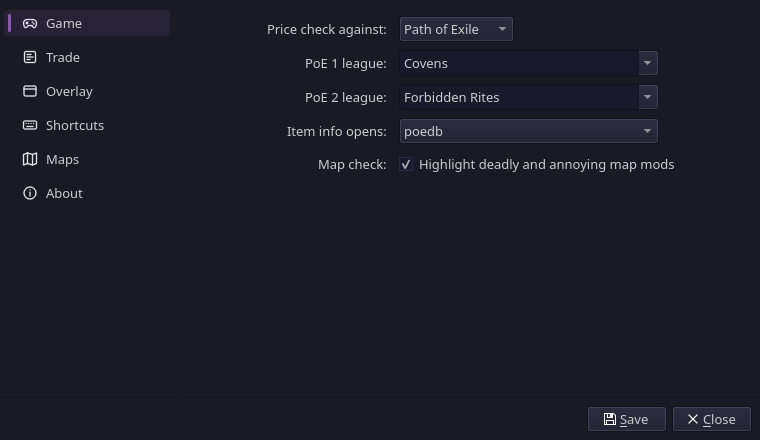
run shows it in red right away. Settings → Maps lists the marks; Settings → Game turns the check off.
Shortcuts
| Action | Default |
|---|
| Price check hovered item | Ctrl+D |
| Switch between PoE 1 and PoE 2 | unassigned |
| Open settings | unassigned |
| Open manual price check | unassigned |
| Hide overlay | unassigned |
| Open hovered item on poedb or the wiki | unassigned |
| Map check: hovered map's mods | unassigned |
On KDE, change them in System Settings → Shortcuts → Looting Glass. On Windows, type them into
Looting Glass's own Settings → Shortcuts (for example Ctrl+Shift+F7).
Hyprland experimental
Hyprland doesn't let apps choose their own keys, so bind them in hyprland.conf:
bind = CTRL, D, global, dev.lootingglass.LootingGlass:price-check
bind = , F7, global, dev.lootingglass.LootingGlass:toggle-game     # optional
The shortcut ids are price-check, toggle-game, settings, manual-check,
hide-overlay, item-info and map-check. If a bind does nothing, hyprctl globalshortcuts shows the names your portal registered.
Settings
Click the tray icon to open the settings window, or edit ~/.config/lootingglass/config.toml
(on Windows %APPDATA%\lootingglass\config.toml) by hand:
game = "poe1"            # or "poe2"
contact = ""             # optional, appended to the User-Agent sent to the trade API

[poe1]
league = "Standard"

[poe2]
league = "Standard"

[trade]
status = "online"        # "online", "any", or "securable" (PoE 2 instant buyout)
stat_tolerance = 10      # % below your roll used as the filter minimum
min_from_tier = false    # with Ctrl+Alt+C text: minimum = bottom of the mod's tier range
max_results = 20

[map_check]              # PoE 1 maps
enabled = true
deadly = ["Monsters reflect #% of Elemental Damage"]   # mod text, numbers as #
annoying = []

[overlay]
side = "right"
margin_top = 80
margin_side = 24
width = 380
max_height = 0           # 0 = fit content
pinned = false           # true = stay open when clicking the game

[shortcuts]              # Windows only; on Linux shortcuts belong to the desktop
price_check = "Ctrl+D"
 Looting Glass